
It starts with a conversation, not a drawing
Every control room we build begins with a long call or a visit to the space, and I am usually the one asking the questions. Who will sit in the room on a busy show day? How many cameras, graphics sources and remote feeds will arrive? Does the producer need to speak to the director without being heard by the vision mixer? These answers shape everything that follows, because a room that suits a four-camera studio talk show is not the room a venue needs for a streamed conference.
Callum, our systems engineer, joins the discussion early. He listens for the details that never reach a brief: a noisy air conditioning unit near the proposed desk, a window that throws glare on the monitors, a corridor where cables will have to run. We take photographs, measure walls and note where power actually arrives. Only after that do we put pen to paper, and by then the client has already told us most of what the layout needs to do.
- Number and type of sources, now and in a year
- Who sits where, and who must hear whom
- Room dimensions, power points and ventilation
- Existing equipment worth keeping
Planning the rack layout
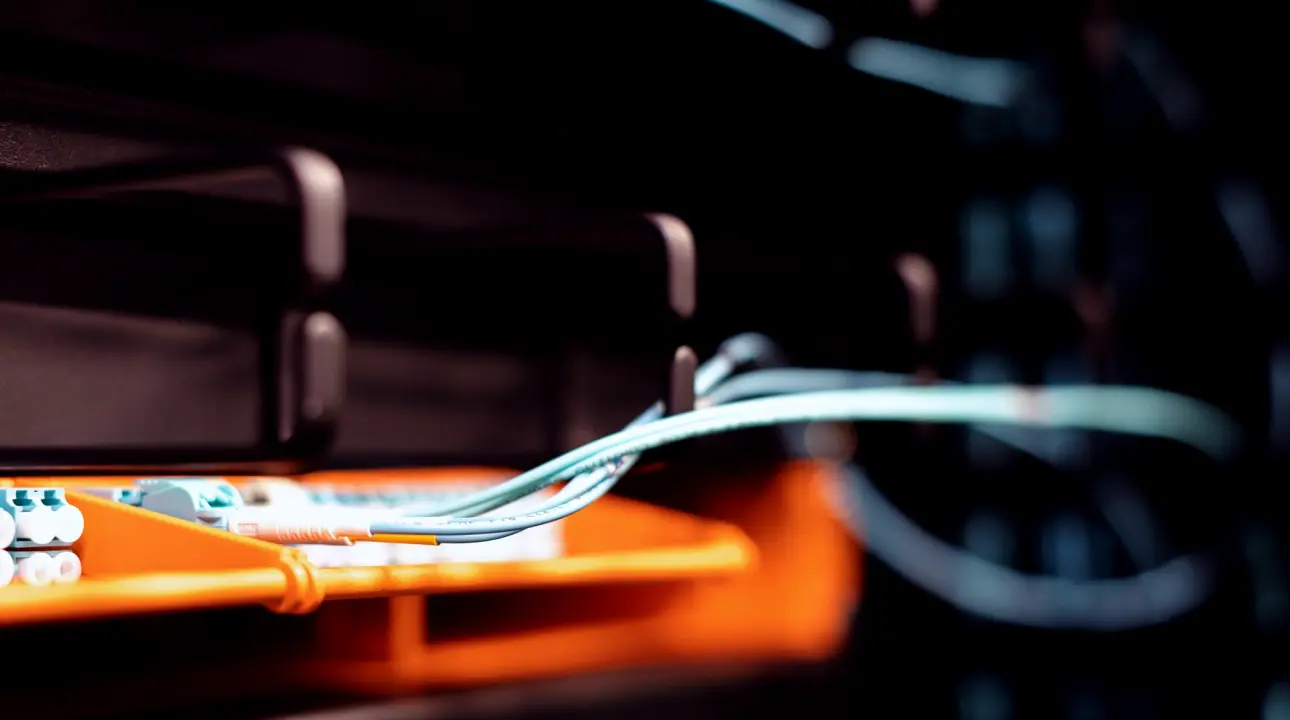
The rack is the heart of the room, and Callum plans it on paper before a single unit is bolted in. Heavy items such as power supplies sit low, switching and routing gear sits at a comfortable working height, and anything that runs warm gets space around it. He leaves spare rack units on purpose, because a control room that is full on day one has nowhere to go when the client adds a camera.
Labelling is where careful craft shows. Every cable, port and patch point gets a name that matches the drawing, so that a new operator or a visiting engineer can follow a signal from camera to output without guessing. It is slow, unglamorous work, and it is the reason a fault during a live show takes minutes to trace rather than an anxious half hour of pulling plugs.
- Heavy and warm equipment placed with airflow in mind
- Spare rack units left for future sources
- One naming scheme across drawings, labels and software
Building the monitor wall
People often assume the monitor wall is chosen for looks. In practice it is a working tool, and we arrange it around how the team reads a show. The programme output and preview sit where the vision mixer's eyes fall naturally, camera sources are grouped so the director can scan them quickly, and the less urgent feeds, such as the outgoing stream check, sit slightly to the side.
We test sightlines from every seat before anything is fixed to the wall. Priya, our lead vision mixer, often sits in the finished desk position and tells us if she has to turn her head to see a replay source. Small changes at this stage cost almost nothing. The same change after the wall is mounted and cabled means undoing a day of work, so we are patient here and ask clients to sit in their seats as well.
- Programme and preview placed first in the sightline
- Sources grouped by role, not by input number
Cabling and intercom, the quiet part
Most of the build time goes where nobody looks. Cables are cut to length, dressed in bundles and separated so that power and signal do not run side by side. We leave slack at each end, because equipment moves and a cable pulled taut will fail at the worst moment. Callum tests each run on its own before it joins the system, so a fault is found at the bench rather than behind a finished panel.
Intercom gets the same attention because it is how the room talks. We set up separate channels for the director, the technical crew and the camera operators, then ask someone to speak quietly from each position to check clarity. A calm, readable intercom does more for a live show than any piece of expensive equipment, since people make better decisions when they can hear each other without shouting.
- Power and signal cables kept apart
- Each run tested before it is connected
- Separate intercom channels for director, crew and cameras
Testing before anyone calls it finished
Once the room is built we run it as if it were show day. We bring in test sources, cut between them, trigger graphics, send a feed out and watch it arrive at the far end. Then we deliberately break things: unplug a camera, drop a source, lose a link. The point is to learn how the room behaves, and how the people in it respond, while there is no audience waiting.
I take notes throughout, because the written handover matters as much as the hardware. The client leaves with a clear drawing of the system, a list of what is connected to what, and a short guide to the first things to check if something looks wrong. We would rather answer a call in the first week than leave a team staring at a monitor wall they do not yet trust.
What stays with the client afterwards
A control room is only useful if the people running it feel in command of it. That is why handover is a session, not a document dropped in an inbox. We walk the team through the rack, show them where each signal enters and leaves, and let them make a few changes themselves while one of us watches and stays quiet.
We also stay reachable. Clients ring with small questions in the first weeks, a new source to add, an intercom channel to rename, and these calls usually save a larger problem later. Nothing about this is dramatic, which is exactly how a well-built control room should feel: ordinary, readable and unhurried, even in the middle of a live broadcast.
A control room build is mostly patient preparation: asking the right questions, planning the rack, shaping the monitor wall, labelling cables and testing every failure we can think of. None of it is visible to the audience, and that is the aim. When the room works as it should, the team can give their attention to the show instead of the equipment, and we have done our job quietly.